

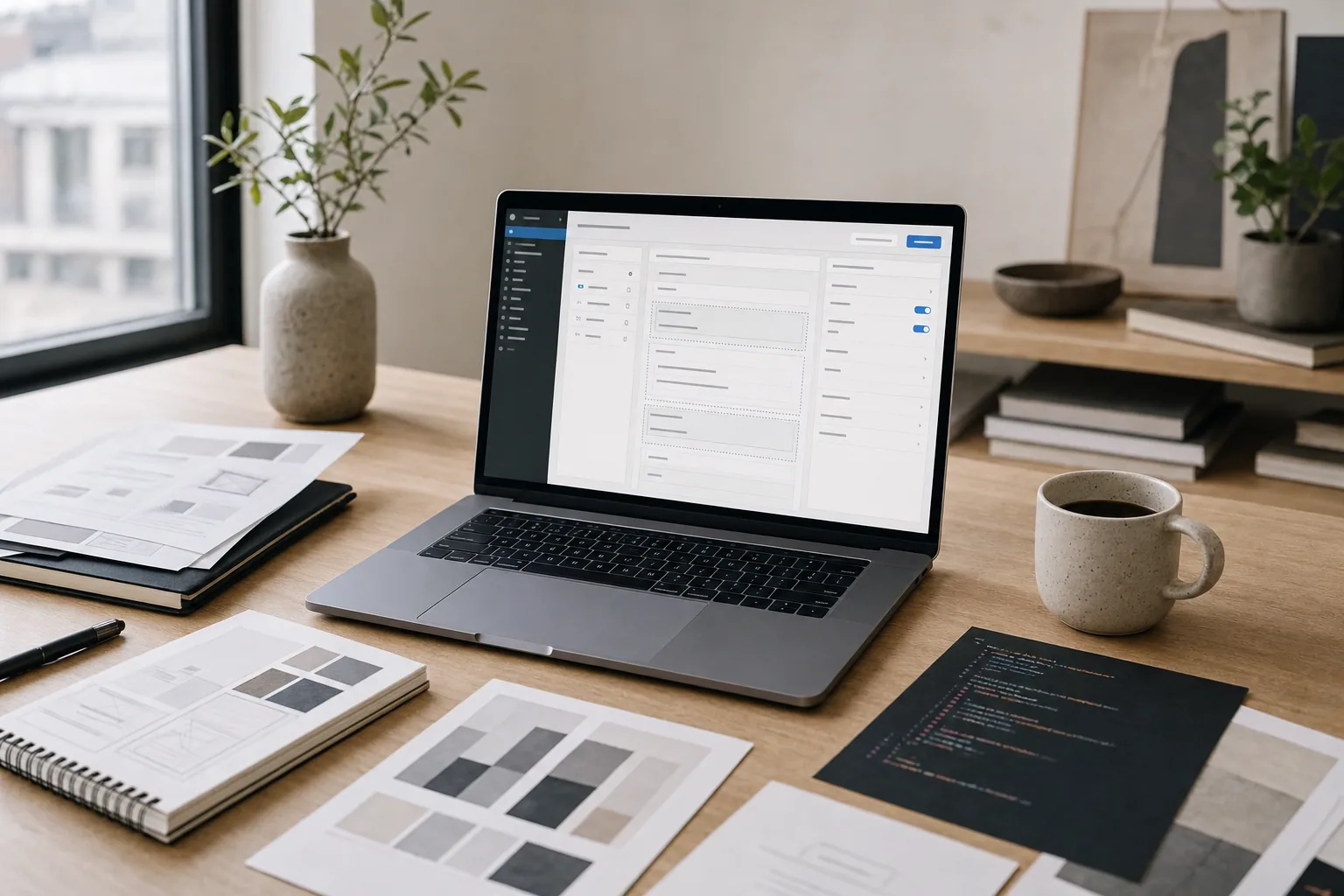
Most small businesses run on WordPress because it works. But off-the-shelf WordPress often feels like wearing someone else's shoes: it fits most of your foot, but not quite right.
That is where custom WordPress plugin development comes in. Instead of forcing your business into a template's limitations, a custom plugin builds exactly what you need: a form that captures the right project details, a dashboard that organizes client work, a tool that helps visitors understand pricing, or a system that makes content easier to manage.
Custom WordPress plugins are not expensive software engineering. They are practical tools built around how your business actually works.
Why Off-the-Shelf Plugins Fall Short
WordPress has thousands of plugins. Search, forms, galleries, SEO tools, email, booking, e-commerce. Most small businesses can cobble together a working site with existing plugins.
The problem shows up when you need something specific. Maybe your contact form needs conditional logic that routes different service inquiries to different people. Maybe you need a client portal that shows project status, invoices, and feedback in one place. Maybe you need a quote estimator that helps visitors understand your pricing before they inquire.
When existing plugins do not fit, you have three bad choices:
- Use a plugin that almost works and frustrate your team with workarounds
- Buy three separate plugins that do not talk to each other
- Give up and handle it outside the website (spreadsheets, emails, separate platforms)
None of those scale. None of those feel professional. And all of them make your business harder to run.
What Custom WordPress Plugin Development Actually Does
A custom plugin is code written specifically for your WordPress site. It lives inside your WordPress admin and does one thing really well: solve a real problem.
Custom plugins can handle:
- Contact and inquiry forms with conditional routing and smart follow-ups
- Client dashboards that organize project status, files, and next steps
- Quote or estimate tools that help visitors self-qualify
- Editorial workflows for teams with writers, editors, and approval steps
- Product estimators for services priced by options or complexity
- Booking and payment flows for consultations, studio time, or services
- QR code systems that connect physical artwork or products to individual web pages
- Content management systems that make updating organized data simple for non-technical staff
- Custom admin panels that simplify how your team publishes and manages information
The key difference is fit. A custom plugin does exactly what your business needs, not what a generic plugin thinks all businesses need.
How Custom Plugins Support Better Website Strategy
When you build a website, the structure and strategy matter before the design. You need to know what pages exist, what content visitors need, what actions you want them to take, and what tools will help.
Custom WordPress plugin development is part of that strategy. If your business needs a way for clients to request quotes, a custom form with built-in validation and routing is cleaner than email chaos. If your team manages multiple projects, a client dashboard reduces confusion and support requests.
These tools also support SEO and user experience. A well-built form improves conversion. A clear estimator helps qualified leads self-qualify before contacting you. Better structure means better navigation and fewer confused visitors.
When you combine custom plugin work with strong website planning and development, you get a site that is not just beautiful. It is useful.
Common Custom WordPress Plugin Examples
Forms With Intelligence
Standard contact forms ask for name, email, message. A custom form can ask "What service are you interested in?" and then show different follow-up fields based on the answer. It can route inquiries to the right team member automatically. It can save data to your WordPress database so you see everything in one place.
Project and Client Portals
When you work with clients over time, they need to see project status somewhere. A custom dashboard gives clients access to deliverables, project timeline, invoices, and feedback without having to email you. Your team sees a backend view that tracks everything in one system.
Estimators and Configurators
Service businesses often spend time explaining pricing to prospects who are not ready to buy. A custom estimator lets visitors answer questions about their project size, complexity, or specific needs. The tool shows real pricing or a ballpark estimate. People who fill it out are more qualified, and they have already self-educated.
Editorial and Content Systems
If your team includes writers, editors, or contributors, a custom WordPress admin panel can simplify how content gets published. Instead of everyone having full WordPress access, a streamlined interface might show only the fields that matter: headline, category, featured image, body, publish date. Everything else stays hidden.
E-commerce and Gallery Workflows
If you sell products, artwork, or prints, a custom system can organize SKUs, inventory, dimensions, pricing, and availability. QR code labels on physical items can link directly to individual product pages so customers can purchase or learn more after seeing something in person.
The Practical Reality of Custom Development
Custom WordPress plugin development takes more time than installing a free plugin. It costs more upfront. But it saves money and headache later because you are not paying for features you do not use, and you are not fighting software that does not work the way you work.
The best projects happen when the plugin is built as part of the larger website strategy. You discover what your business actually needs. You design the site structure around those needs. Then you build the tools that make the site work better.
This is especially true for small businesses with real operations. You are not building a template site. You are building a tool that helps you serve customers and run your business more efficiently.
When to Build Custom vs. Using Existing Plugins
Not every feature needs custom code. Standard blogs, galleries, SEO tools, and analytics plugins are mature and reliable. You should use them.
Consider custom plugin development when:
- Existing plugins do not quite fit your workflow
- You need integration between systems that do not talk natively
- Your team spends time on workarounds instead of real work
- You want a cleaner, more professional experience for clients or staff
- Your business process is specific enough that generic software does not work
- You are tired of paying subscription fees for features you only use half of
If you are unsure whether custom development makes sense, start with a website strategy session. A good strategy exercise identifies what you actually need versus what would be nice to have.
Custom Plugins as Part of Clearer Website Foundation
The point of custom WordPress plugin development is not complexity for its own sake. It is making your website work better for your business.
When content, design, SEO structure, and practical tools all work together, your site stops being a digital brochure. It becomes a real tool that helps visitors understand what you do and guides them toward action. It helps your team do their jobs more efficiently. It makes your business easier to run.
That is the difference between building around a template and building around the business.
If your WordPress site feels like it is missing a piece, or if your team is using workarounds to handle something that should be automated, that is a signal that custom development might help. We help small businesses, service companies, and creative brands identify what tools would make the biggest difference and then build them into the website.
Start with a conversation about what is not working. We can help you figure out whether the answer is a better plugin, a configuration change, or custom development built specifically for your business.