

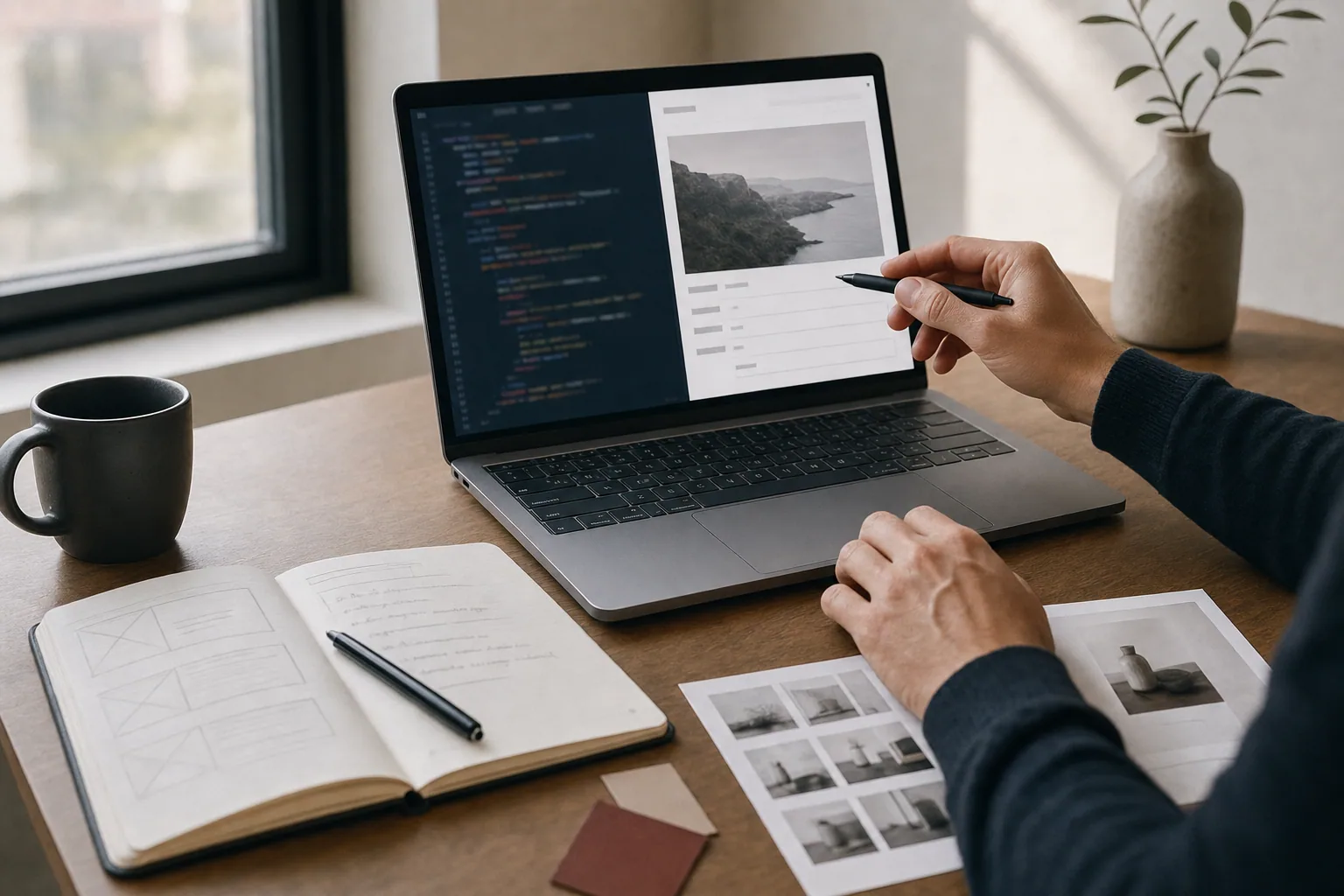
Alt text, short for alternative text, is a short description you add to an image on your website. It tells search engines and assistive technology what the image shows when it cannot be seen. Most people think of alt text as optional or a technical detail. In reality, it is one of the easiest ways to improve both accessibility and SEO for your website.
What Alt Text Actually Does
Alt text serves two main purposes: it makes your website usable for people with visual impairments who rely on screen readers, and it helps search engines understand what images show so they can index them correctly.
When someone using a screen reader visits your site, they hear the alt text read aloud. If an image has no alt text, they hear nothing. That means they miss important information and may not understand the page. For search engines, alt text is a signal. Google cannot see images the way humans do, so alt text helps it understand context and relevance.
A strong alt text is specific and useful. It describes what is actually in the image in plain language, usually 100 words or fewer. It answers the question: what would I say to someone if I had to describe this image over the phone?
Why Alt Text Matters for SEO
Search engines rank pages based on many signals. Alt text is one of them. When you describe images clearly, you give Google more information about your page content. This is especially useful for businesses that rely on visual storytelling: photography studios, product companies, galleries, fashion brands, and creative services.
For example, if you run a service business and have strong photography on your site, alt text helps Google connect those images to your service descriptions. A photo of a wellbeing consultation could have alt text like "therapist meeting with client in calm consultation room." This reinforces the page topic and helps the right search visitors find your site.
Alt text also supports image search. If someone searches Google Images for a phrase related to your work, well-written alt text increases the chance your images appear in results. This is real traffic potential that many small businesses miss.
One important note: alt text should be descriptive, not keyword-stuffed. Writing "therapist consultation wellness therapy counseling mental health" looks awkward and can actually hurt your SEO. Google recognizes when text does not sound natural. Write for humans first, and let the SEO follow.
How to Write Effective Alt Text
Good alt text is specific and straightforward. Here are practical guidelines:
- Describe the image content, not "image of" or "picture of." Start with the subject itself.
- Keep it concise. Most alt text should be one sentence, under 100 words.
- Include relevant details that help understanding. If the image shows a specific product, color, or action, mention it.
- Do not keyword-stuff. Write naturally, as if explaining the image to a colleague.
- For decorative images, you can use empty alt text (alt="") so screen readers skip them.
- For complex images like charts or infographics, provide a short alt text and consider adding a detailed description elsewhere on the page.
Here are real examples:
-
Weak alt text: "photo"
-
Better alt text: "woman presenting web design wireframes to team in office meeting"
-
Weak alt text: "product"
-
Better alt text: "handmade leather wallet in cognac brown with visible stitching detail"
-
Weak alt text: "screenshot"
-
Better alt text: "WordPress website dashboard showing draft article with edit menu open"
Alt Text in WordPress and Common Platforms
Most website platforms make it easy to add alt text. In WordPress, you can add it when uploading an image or by editing the image in the media library. Every image should have a place for alt text in your CMS. If you do not see it, ask your web developer to show you where.
When you plan and build a website through a structured design and development process, alt text should be included as part of your content strategy. It is not something to add as an afterthought. If you are working with a studio on photography or visual direction for your site, alt text writing can be part of that same process.
Many businesses have images they need descriptions for. If you already have a site with hundreds of images and no alt text, you can start with the most important ones: hero images, product photos, team portraits, and images on high-traffic pages. Over time, add alt text to the rest.
Accessibility Beyond Alt Text
Alt text is one part of web accessibility, but there is more. Clear heading structure, readable fonts, sufficient color contrast, and keyboard navigation all matter. A website should be usable for everyone, regardless of ability. This is not just ethical; it is also practical. Accessible websites tend to rank better because they are clearer and easier to navigate.
If your site feels cluttered, has weak images, unclear messaging, or hard-to-scan pages, a website review can help identify what needs attention. Accessibility improvements often go hand in hand with better design and clearer content.
Make Alt Text Part of Your Process
The best time to write alt text is when you create or update a page. Do not wait until launch or leave it blank. Include it in your template, your checklist, and your workflow. If you work with a photographer or designer to create original images for your site, you can brief them on how those images will be used and what descriptions they might need.
For businesses with ongoing content, alt text becomes a habit. If you are adding new service pages, case studies, or blog posts regularly, make sure each image has clear description. This compounds over time and strengthens your site visibility and usability.
Alt text is one of those details that feels small but makes a real difference. It helps real people use your site, and it helps search engines understand your work. Building a website that looks professional and reads clearly means thinking about every element, including the ones visitors might not see directly. That is the FultonStudio approach: build around the business, not the template, and make sure every part of the site serves both people and search.